Agno integration
Use Spider as a tool inside Agno agents. An agent can scrape, crawl or search the web in one tool call.
Install
Install Agno, the Spider client and OpenAI.
Install the Python Spider client
pip install agno spider-client openai
Scrape a URL
Give the agent a URL. It scrapes the page and returns markdown.
Scrape a page as markdown
from agno.agent import Agent
from agno.tools.spider import SpiderTools

agent = Agent(tools=[SpiderTools(optional_params={"return_format": "markdown"})]) # Optionally pass in extra parameters
agent.print_response('Scrape https://www.cnn.com for the latest news', markdown=True)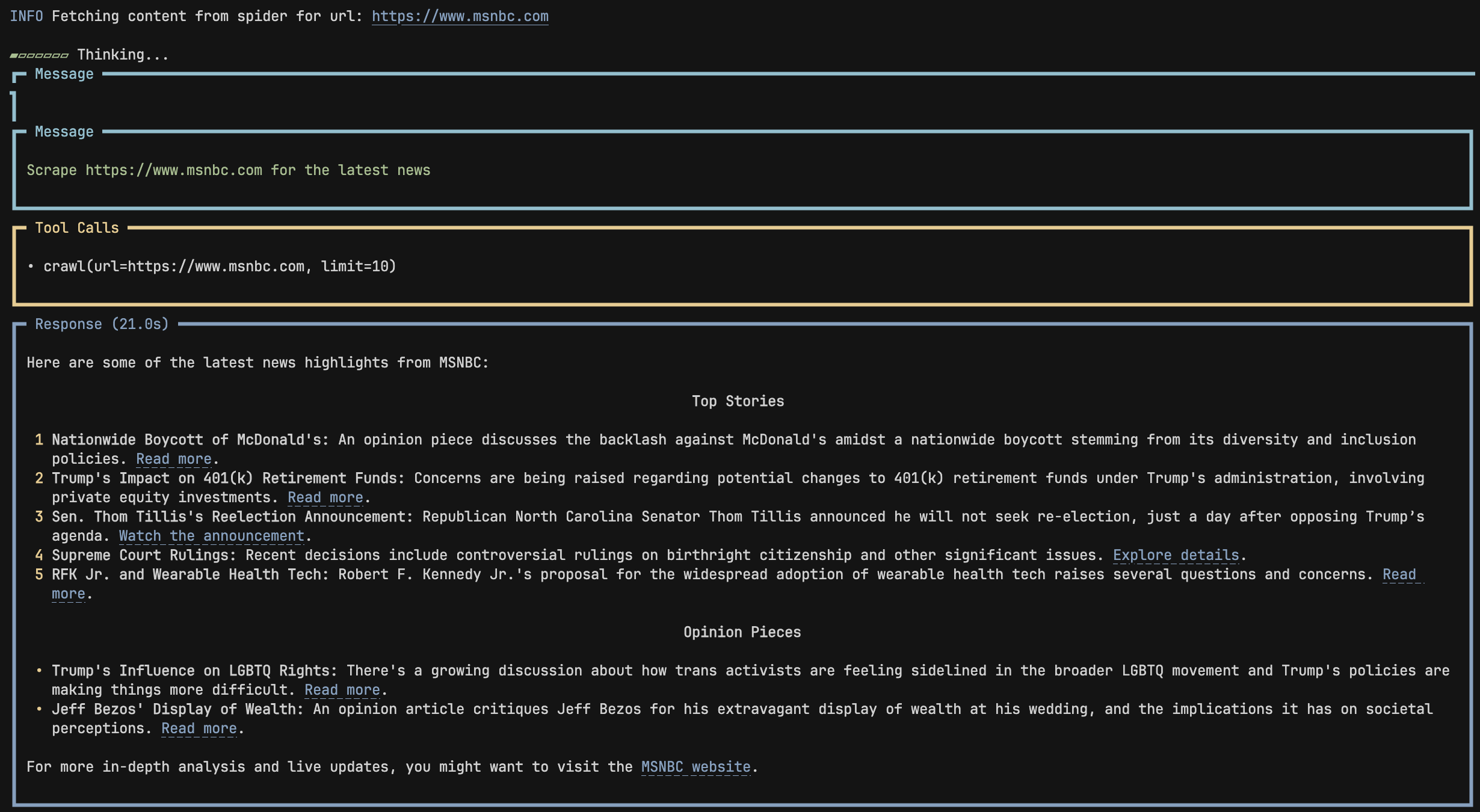
Search and scrape
The agent searches the web, scrapes the top result and returns its content.
Search, then scrape the first result
from agno.agent import Agent
from agno.tools.spider import SpiderTools

agent = Agent(tools=[SpiderTools()])
agent.print_response('Scrape the first result from a search on "current news in the USA"', markdown=True)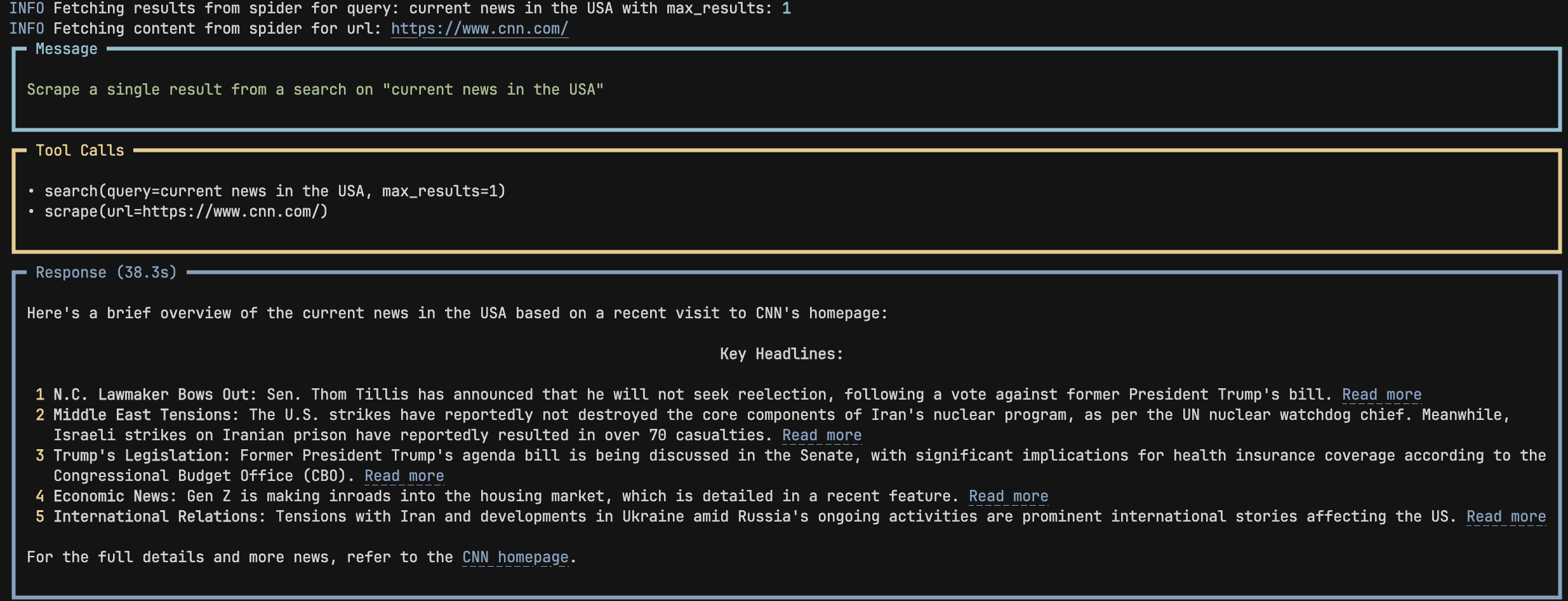
Toolkit parameters
What SpiderTools accepts.
| Parameter | Type | Description |
|---|---|---|
| max_results | int | Maximum number of search results to return. |
| url | str | The URL to scrape or crawl. |
Toolkit functions
The methods the agent can call.
| Function | Description |
|---|---|
| search | Search the web for the query. |
| scrape | Scrape the URL. |
| crawl | Crawl the URL. |