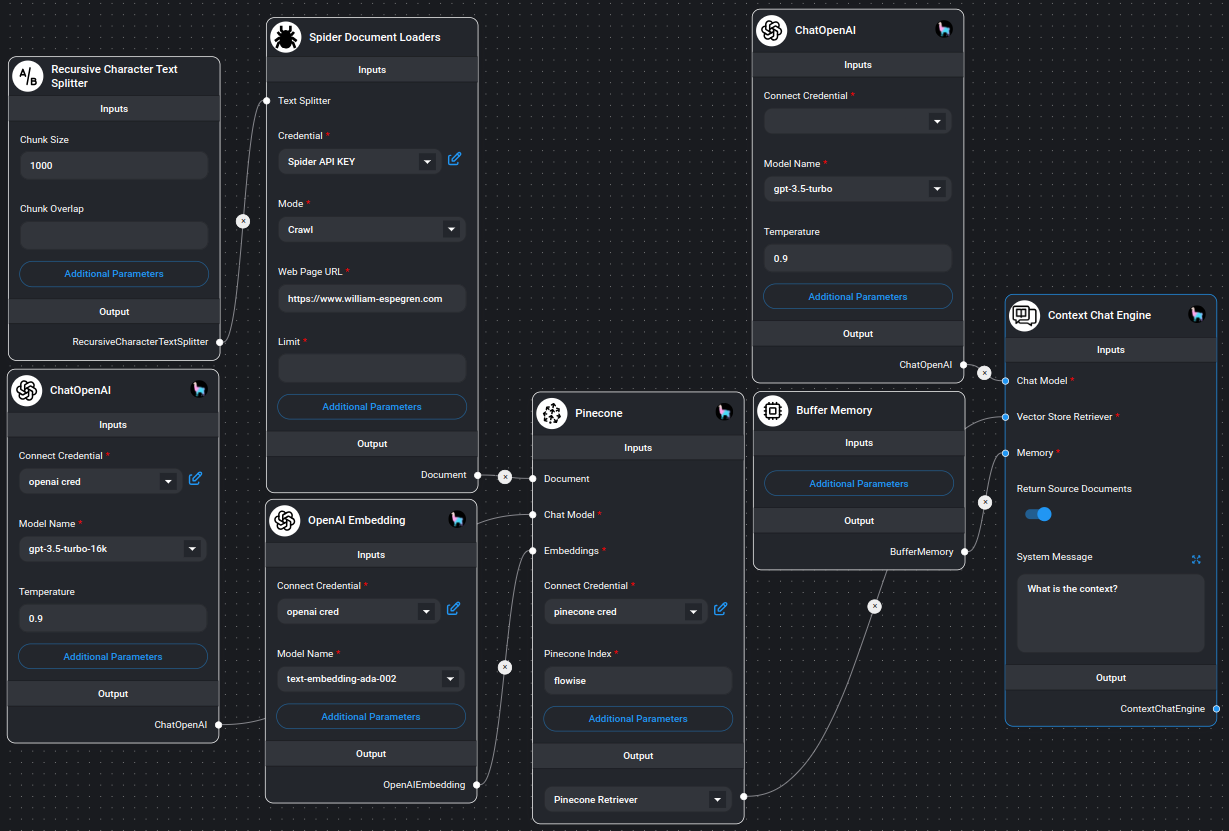
FlowiseAI integration
Use Spider as a document loader inside FlowiseAI and scrape or crawl pages from the visual builder.
Setup
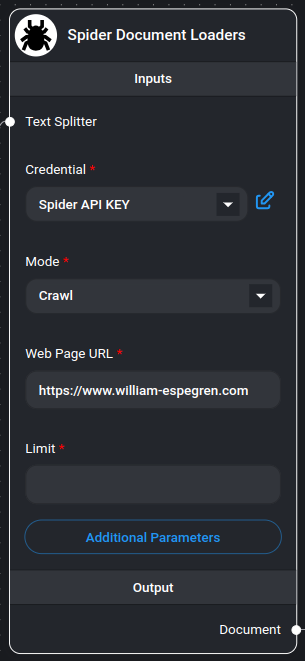
Give the Spider node your API key.
- 01Open the Spider dashboard.
- 02Go to API keys and create one. The account needs credits before it can issue a key.
- 03Paste the key into the "Credential" field of the Spider node.
Scrape and crawl
Set up the Spider node in a flow.
- 01Pick "Scrape" or "Crawl" in the mode dropdown.
- 02Enter the URL in the "Web Page URL" field.
- 03For "Crawl", set the most pages you want in the "Limit" field. Empty or 0 crawls every page.